Laptop Options Checker
Apply for a free or low-cost laptop safely.
Use a selection-only guidance checker to understand which laptop assistance paths may be worth reviewing. It does not collect your name, email, phone number, ZIP code, or documents.
A laptop can unlock school, work, healthcare, and benefits access.
Many readers qualify through local programs, nonprofits, schools, libraries, refurbished computer providers, or provider offers. There is no single federal laptop giveaway for every household, so the safest first step is matching your situation to the right path.
- Online classes and homework
- Job search and remote work
- Telehealth and benefits access
- Family communication and bills
Important: This page does not ask for uploads. Do not send photo IDs, benefit letters, Social Security numbers, or private documents until you are on an official program website or working with a verified local organization.
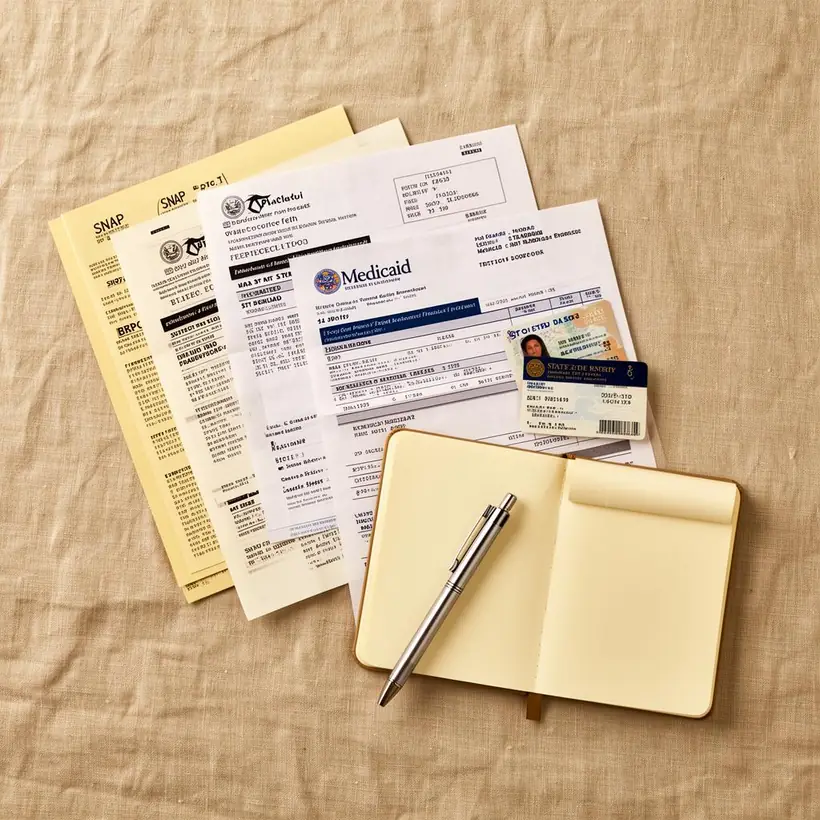
How the safe application process works.
Use this process to avoid fake guarantees and choose a real starting point.
- 01
Choose a path
Start with nonprofits, schools, libraries, city programs, refurbished device providers, or Lifeline-related service options.
- 02
Choose basic categories
Select your state, household size, benefit or situation, and main laptop need. No personal contact details are required.
- 03
Check your options
Use the selection-only checker to see relevant guides on this site. Nothing is emailed or submitted as an application.
- 04
Verify first
Before sharing documents, confirm who runs the program, what it costs, where devices come from, and how approval works.
- 05
Follow up
Watch for official approval, waitlist updates, shipping details, pickup instructions, or missing document notices.
Pick the right application route.
The best path depends on your state, benefit proof, school status, household need, and local device availability.
| Starting point | Best for | What to prepare | Important note |
|---|---|---|---|
| Nonprofit laptop programs | Low-income households, seniors, veterans, job seekers | Benefit proof, income proof, photo ID, address proof | Stock and service areas change often. |
| Schools, colleges, libraries | Students, GED learners, parents with school-age children | Student ID, enrollment proof, school email, local address | Loaner devices may be faster than ownership programs. |
| Lifeline service path | Households needing phone or internet affordability | Lifeline eligibility proof through official channels | National Verifier checks Lifeline eligibility, not guaranteed laptop approval. |
| Provider or refurbished offers | People who can accept a low-cost device or service bundle | Plan terms, shipping cost, warranty details, return policy | Read fees and monthly obligations before signing up. |
Your suggested starting points
Based on your selections, these guides may be useful. Program rules and device availability vary by location and operator.
Use official sources before sending sensitive documents.
ApplyFreeLaptop.com is independent. These sources help readers verify major benefit and internet-assistance facts.