Free Laptop With Medicaid: What You Can Really Get and Where to Apply
If you have Medicaid and need a laptop, tablet, or basic computer, your best move is to use Medicaid as proof of eligibility for trusted technology assistance programs.
Medicaid will not mail you a laptop. But a current Medicaid card or benefit letter can help you apply for nonprofit computer programs, low-cost refurbished laptops, school device support, library lending, workforce technology help, and some provider device discounts.
Quick truth: Medicaid can help prove eligibility. It does not directly pay for, ship, or guarantee a laptop.
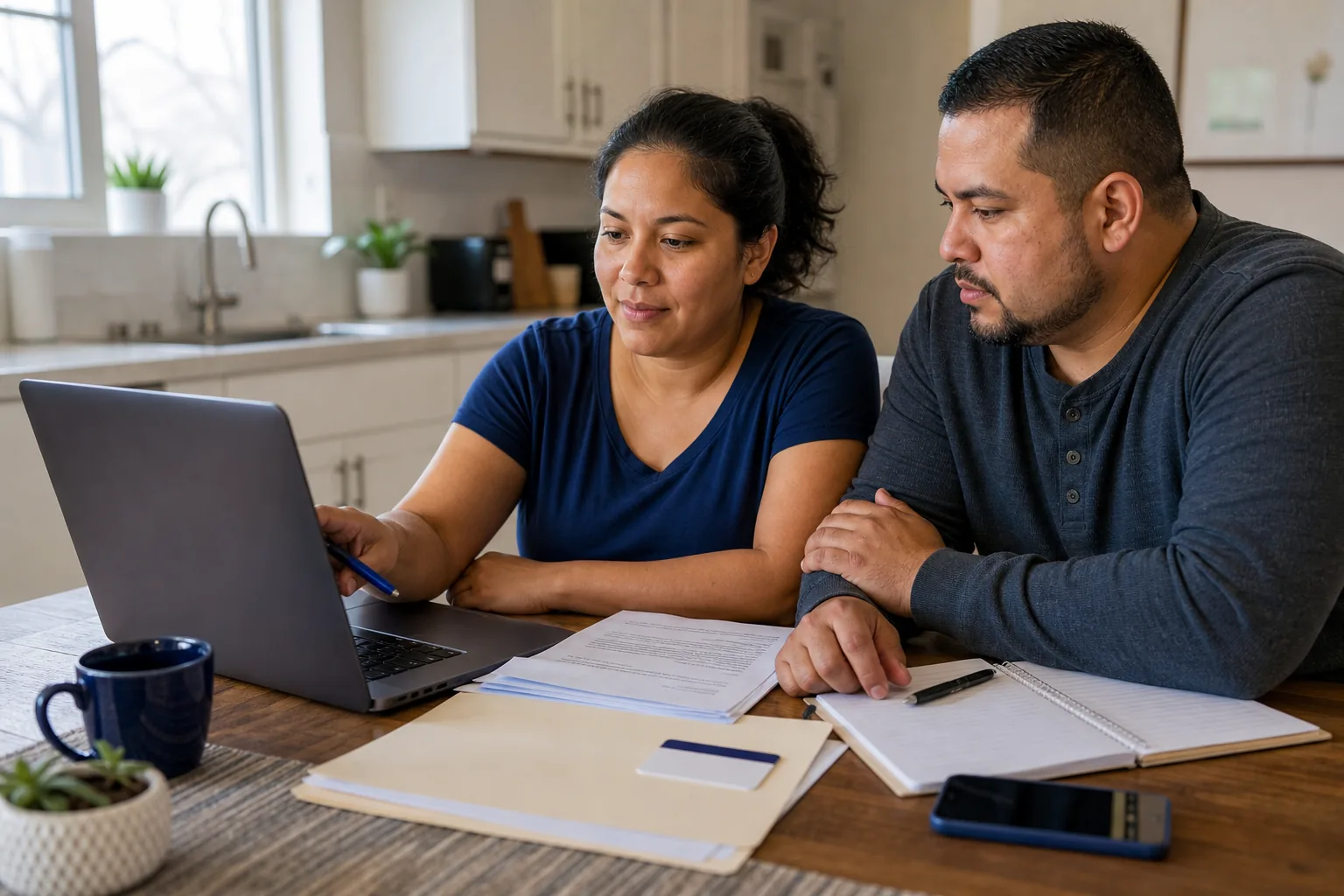
Can You Get a Free Laptop With Medicaid?
Not directly, but it may help. Medicaid can help prove low-income or assistance-program eligibility when you apply to nonprofits, refurbishers, schools, libraries, workforce centers, and local digital inclusion programs.
Start by collecting your Medicaid proof, photo ID, proof of address, and a short explanation of why you need the device. Then apply through real organizations, not websites promising a guaranteed free laptop with Medicaid.
What Is Medicaid, and How Can It Help You Qualify?
Medicaid is a public health insurance program for eligible low-income people, including children, parents, pregnant women, seniors, and people with disabilities.
Medicaid does not pay for laptops. However, many organizations that offer free or low-cost computers ask for proof that you receive public assistance. Medicaid can often serve that purpose.
A Medicaid participant may be asked to upload or show a Medicaid card, Medicaid approval notice, benefit award letter, managed care plan letter, state benefits portal screenshot if accepted, or another document showing your name and current eligibility.
If you also need affordable internet with the device, compare options in our free government internet and laptop guide. Medicaid can qualify you for Lifeline, but Lifeline is mainly a phone or internet discount, not a guaranteed laptop benefit.
What You Can Really Get With Medicaid Proof
Use Medicaid proof as eligibility support, then match your need to the right program.
| Possible help | How realistic is it? | Best route |
|---|---|---|
| Free refurbished laptop | Possible, but limited and often location-based | Compudopt, Computers 4 People, schools, local programs |
| Discounted refurbished laptop | More common | PCs for People, Human-I-T, refurbisher stores |
| Tablet or Chromebook | Sometimes easier to find than a full laptop | Schools, libraries, providers, nonprofits |
| Loaner laptop | Common for education or temporary access | Schools, libraries, GED programs, colleges |
| Internet or phone discount | Possible through Lifeline | Lifeline and provider low-income plans |
| MacBook | Unlikely through Medicaid alone | School aid, education pricing, refurbished Apple options |
Best Places to Apply With Medicaid Proof
Apply through official nonprofit, school, library, workforce, or provider pages. Never rely on a page that guarantees approval before checking your location and documents.
PCs for People
Best for low-cost refurbished laptops and desktops. Medicaid or Medical Assistance may be accepted as proof of eligibility, depending on current rules.
Human-I-T
Useful if you need a device and help getting connected. Inventory can include low-cost laptops, tablets, desktops, hotspots, and digital support.
Compudopt
Worth checking if it serves your city. Giveaways often depend on location, registration, selection, and whether the home has a working computer.
Computers 4 People
Best for free refurbished laptops, desktops, and tablets in supported areas. Medicaid proof may help show need or eligibility.
The On It Foundation
Best for low-income K-12 families. Medicaid may support financial need, but school-related eligibility usually matters most.
Digitunity
Helpful for finding local nonprofit refurbishers and device partners. Local partners may accept Medicaid as benefit proof.
Best Route Based on Your Situation
The fastest option depends on whether you can pay a small amount, need a free device only, need temporary access, or also need cheaper internet.
| Your situation | Best place to start | What to ask |
|---|---|---|
| You can pay a small amount | PCs for People or Human-I-T | Do you accept Medicaid proof, and what laptop specs are available? |
| You need a free device only | Compudopt or Computers 4 People | Is my ZIP code or city eligible right now? |
| You need a laptop for a child | School office or The On It Foundation | Do you offer Chromebooks, emergency tech grants, or device checkout? |
| You need it for job search | Workforce center | Can you help with a device for training, resumes, or interviews? |
| You need temporary access | Public library | Can I borrow a laptop or hotspot, and for how long? |
| You also need cheaper internet | Lifeline or provider low-income plan | Is this a service discount only, or is there a device option too? |
| You want a MacBook | School aid, education pricing, refurbished Apple | Do I qualify through student status or education pricing? |
What Laptop Is Good Enough?
You do not always need an expensive laptop. For job applications, telehealth, school portals, email, documents, and benefits websites, a basic refurbished laptop can work well.
Operating system
Windows 10, Windows 11, ChromeOS, or current macOS support.
Memory
At least 8GB RAM if possible for smoother browsing and video calls.
Storage
SSD storage is preferred because it feels faster than older hard drives.
Telehealth tools
Working webcam, microphone, speakers, and Wi-Fi support.
Battery
Battery should hold a charge, and charger should be included.
Protection
Check warranty, return period, support options, and device condition.
A tablet can help with video calls, forms, email, and benefit apps, but a laptop is usually better for resumes, school assignments, spreadsheets, online training, and long forms.
How to Apply Without Getting Stuck
Use this order so you do not waste time on the wrong program.
Check Medicaid Proof
Make sure your card, approval notice, benefit letter, or state portal screenshot is current, readable, and matches your ID or household information.
Choose the Type of Help
Decide whether you need a free device, low-cost device, temporary loaner, tablet, Chromebook, or internet support.
Apply to Low-Cost Options
If you can pay a discounted price, check PCs for People or Human-I-T first because this route can be faster than waiting for a giveaway.
Check Free Device Programs
If you need a free device, check Compudopt, Computers 4 People, The On It Foundation, schools, libraries, and workforce centers.
Ask Local Support
Contact your school, library, community college, GED program, or workforce center about local technology help. If you are preparing for a high school equivalency test, see our free GED classes online with laptop guide.
Compare Internet Options
Check Lifeline and provider low-income plans if the laptop will need home internet. Device and internet help are often separate.
Track Responses
Keep a list of where you applied, dates, responses, missing documents, waitlist details, and pickup or shipping instructions.

Documents You May Need
Most real programs ask for proof before approval. Requirements vary by organization and location.
- Medicaid proofMedicaid card, approval notice, managed care letter, benefit award letter, or accepted portal screenshot.
- Photo IDDriver's license, state ID, passport, student ID, or other accepted ID.
- Proof of addressUtility bill, lease, official mail, school record, or benefit letter.
- Income proofPay stubs, benefit statements, tax return, unemployment proof, or Social Security statement if requested.
- Device need explanationExplain whether you need the device for telehealth, school, job search, benefits management, or daily access.
I receive Medicaid and need a laptop for telehealth appointments, job applications, online forms, and managing benefits. I do not currently have a reliable computer at home.
Avoid Fake Free Laptop With Medicaid Offers
The right program may not have Medicaid in its name, but your Medicaid proof can still help. Avoid websites that make the benefit sound automatic.
Avoid any site that:
- xPromises a guaranteed free laptop with Medicaid
- xSays Medicaid directly pays for laptops
- xAsks for a large approval fee before explaining terms
- xDoes not name the program operator
- xHides shipping, activation, monthly, or cancellation fees
- xRequests sensitive documents before showing eligibility rules
A real program explains:
- Who runs the program
- Which states, cities, or ZIP codes are served
- What documents are accepted
- Whether the device is free, discounted, borrowed, or bundled
- Pickup, shipping, warranty, return, and support rules
Free Laptop With Medicaid FAQs
Can I get a free laptop with Medicaid?
+
Not directly. Medicaid can help prove eligibility for laptop assistance programs, but the device must come from a nonprofit, school, library, provider, or local organization.
Does Medicaid qualify me for Lifeline?
+
Yes. Medicaid can qualify you for Lifeline, which helps lower phone, internet, or bundled service costs. Lifeline is not mainly a laptop program.
Does Lifeline give free laptops?
+
Usually no. Lifeline normally provides a monthly service discount. Some providers may offer devices, but many are phones or tablets, not laptops.
Can I get a free tablet with Medicaid?
+
Possibly, but not through Medicaid itself. Some providers, nonprofits, or local programs may offer tablets depending on availability and eligibility.
Can I get a MacBook with Medicaid?
+
Usually no. Medicaid alone does not qualify you for a free MacBook. Students should check school grants, Apple Education pricing, or refurbished Apple options.
Which program should I try first?
+
If you can pay a small amount, start with PCs for People or Human-I-T. If you need a free device, check Compudopt, Computers 4 People, The On It Foundation, schools, libraries, and workforce centers.
What if my application is denied?
+
Ask why, fix missing documents if possible, and try another program. Availability changes often, especially for free refurbished computers.
Editorial Review
How this guide was checked
This article was published September 15, 2024 and reviewed on June 22, 2026. We checked federal Medicaid descriptions, Lifeline eligibility rules, ACP status, and the public eligibility information of listed technology assistance resources. Device stock, prices, service areas, and eligibility rules can change without notice.
Ready to use Medicaid proof safely?
Prepare your documents, choose the right route, compare laptop specs, and apply only through official or verified program pages.
Published September 15, 2024 · Updated June 22, 2026